
Christmas AI Photos · Family portrait
AI Christmas family photos, without the photo shoot
Upload a normal family snapshot — or a few separate photos if someone is missing — and get a holiday portrait in matching pajamas, cozy sweaters, a snowy evening or a classic formal setting.
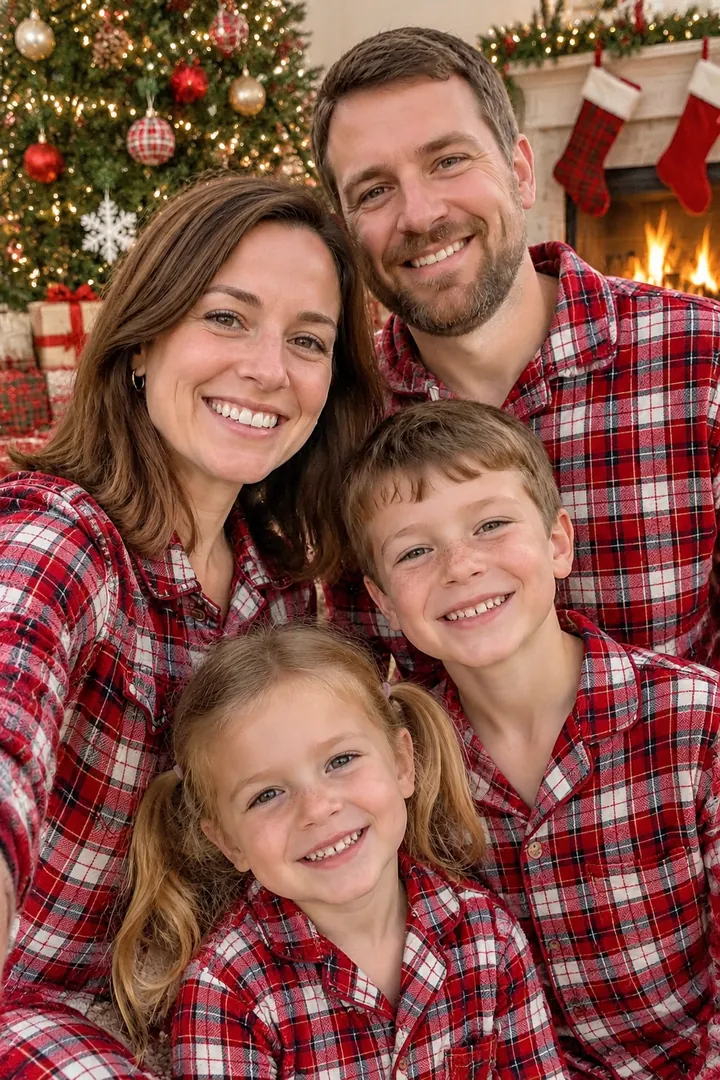
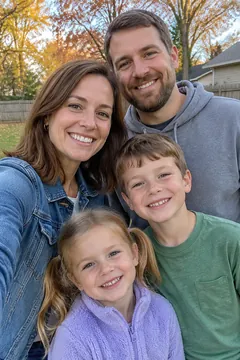 Before
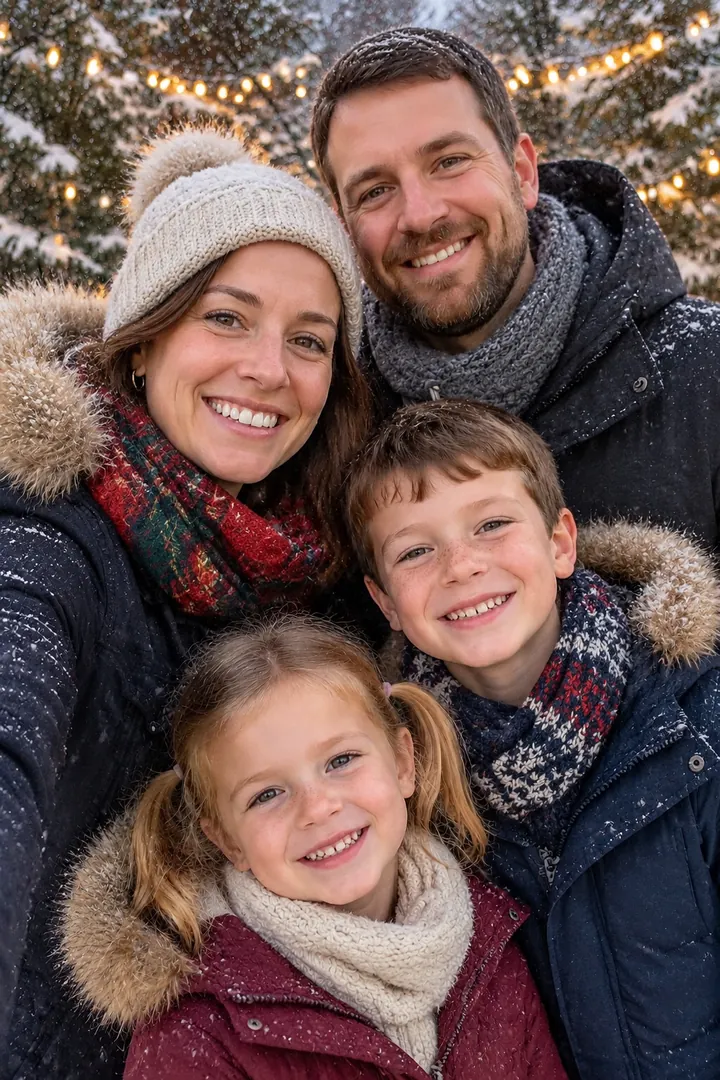 Before
Examples
BeforeBefore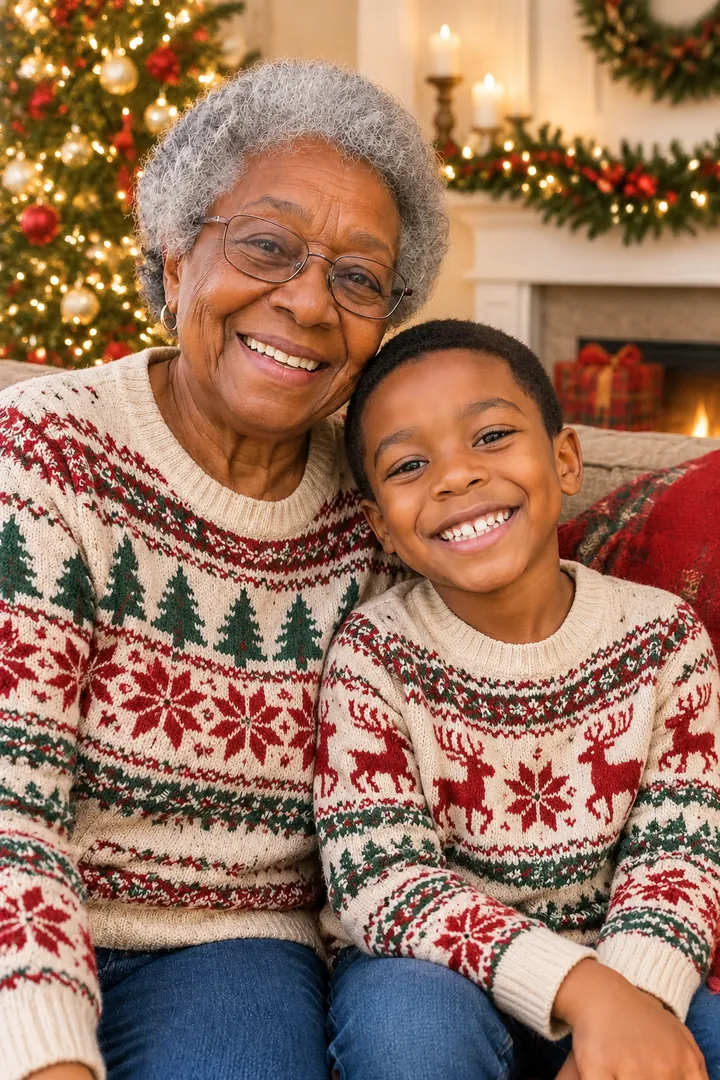
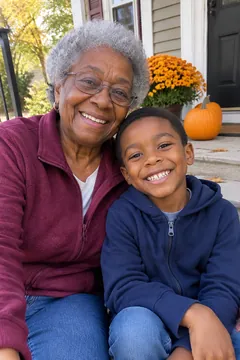 Before
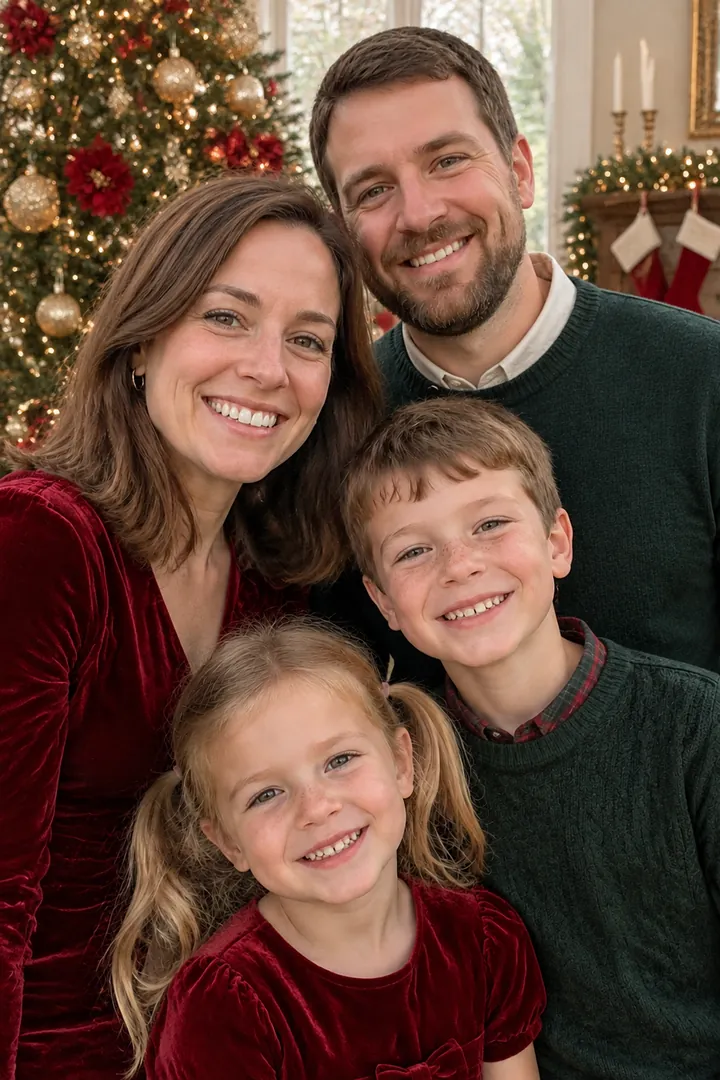 Before
Examples were made with this site from sample photos of AI-generated people, not customers. Results vary with the photo you upload.
How it works
- Pick “Family portrait” and a look: matching pajamas, cozy sweaters, snowy evening or classic formal.
- Upload one photo with everyone in it, or up to 4 photos of different family members.
- Press Create. In about a minute you get a print-ready holiday portrait you can download.
Tips for the best result
- Faces big enough to see Photos where each face is clear and in focus give the most recognizable results. Group selfies work well.
- Missing someone? Upload separate photos (up to 4) and the AI places everyone together in one portrait — handy for grandparents who live far away.
- Printing cards? Switch on HD for a larger 2K image that prints crisply at 5×7 inches.
How AI Christmas family photos work
A professional holiday mini-session can cost a few hundred dollars and means getting everyone into matching outfits on the same afternoon. With an AI Christmas family photo you start from any recent picture of your family. The AI keeps each person’s face, hair and age, then re-creates the scene around them: new outfits, a decorated tree, warm fairy lights and a fireplace with stockings.
You do not need to write a prompt. Each look on this page has been written and tested so that faces stay true to the photo and the scene looks like a real holiday photo, not a cartoon. If a result is not quite right, make another version — every run is a fresh take.
Questions
Can I combine photos of family members who aren’t together?
Yes. Upload up to 4 photos and the AI puts everyone from all of them into one Christmas portrait, each person once. It works best when every face is clear and roughly front-facing.
Will it still look like us?
The looks are tuned to keep faces, skin tone, hair and ages the same, so family members recognize each other. AI isn’t perfect: occasionally a detail changes, so make another version if something looks off.
Is it really free to try?
Yes. Your first photo is free without an account (it carries a small corner watermark). Sign up with your email and you can download it clean and get 2 more free photos. After that, packs start at $4.99 for 15 photos.
What happens to the photos I upload?
They are used only to create your picture. Uploads are deleted automatically within 48 hours and your results after 14 days, so download the ones you love. We never use your photos to train AI models and never post them anywhere.
How long does it take?
Most photos are ready in one to two minutes. During the busiest days before Christmas it can take a little longer; you can leave the page open and keep browsing.
More Christmas photo styles
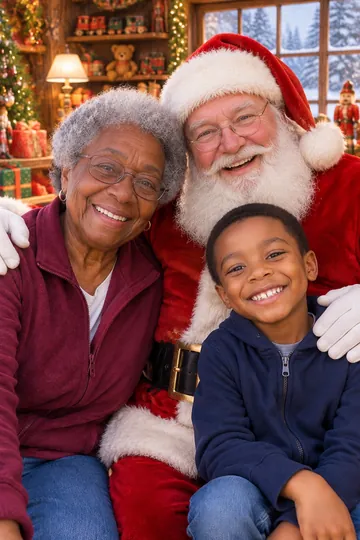 Photo with SantaVisit Santa without the mall line
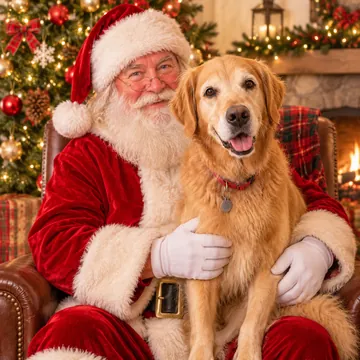 Pet portraitDogs and cats in Santa hats and sweaters
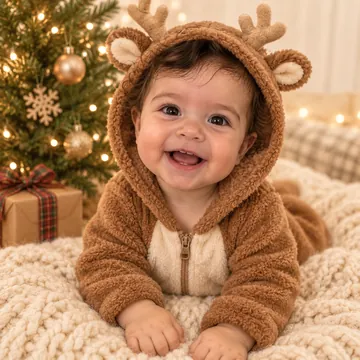 Baby's first ChristmasSanta suits, reindeer onesies, gift boxes
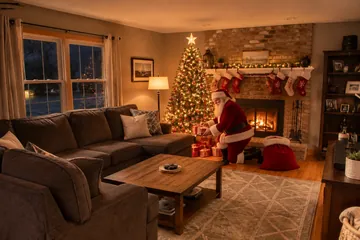 Santa in my houseCatch Santa in your own living room
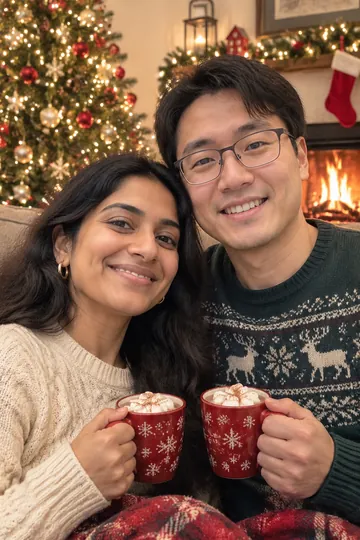 Couple photoFireside cocoa, Christmas markets, mistletoe
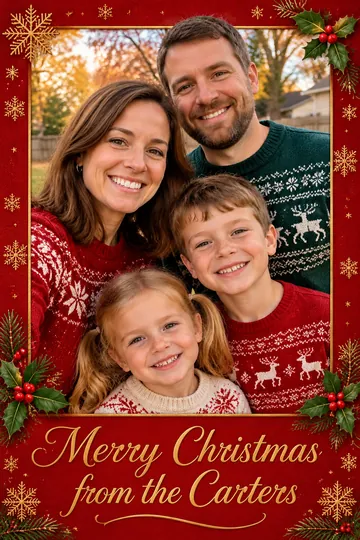 Christmas cardYour photo, designed into a card with your greeting