
Christmas AI Photos · Christmas card
AI Christmas cards with your photo and your words
Upload the photo, type the greeting — “Merry Christmas from the Carters”, “Happy Howlidays”, anything — and get a finished card design with your family dressed for the holidays.
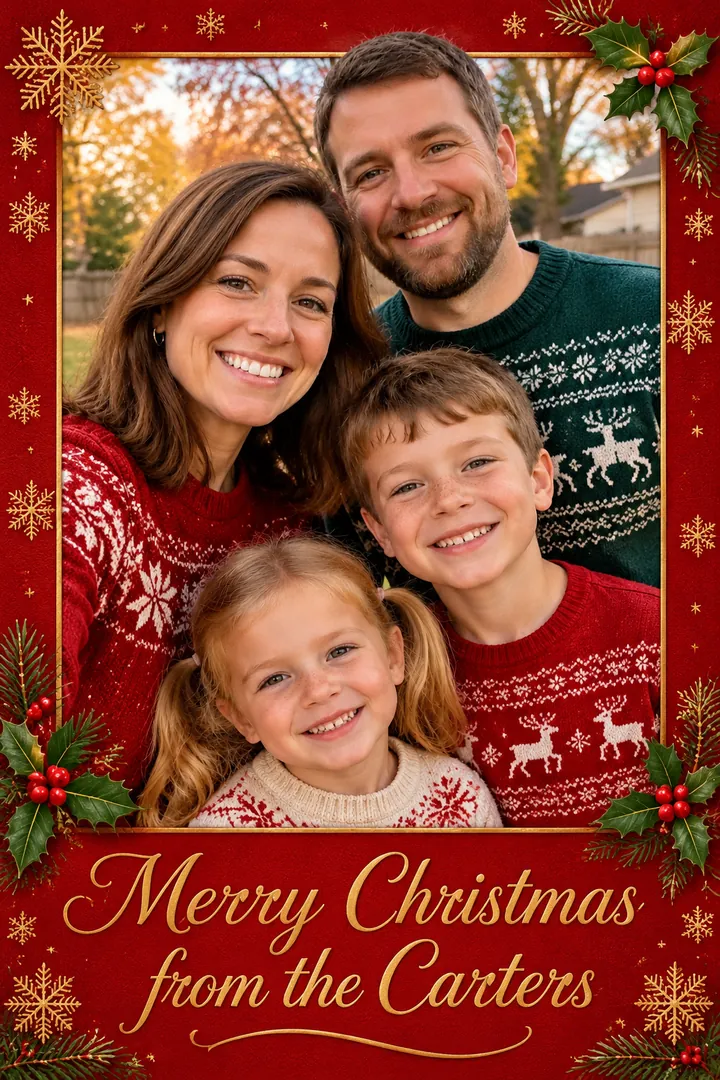
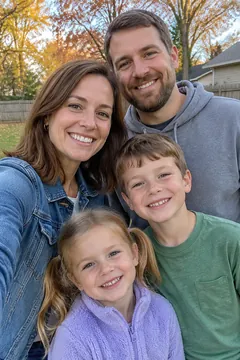 Before
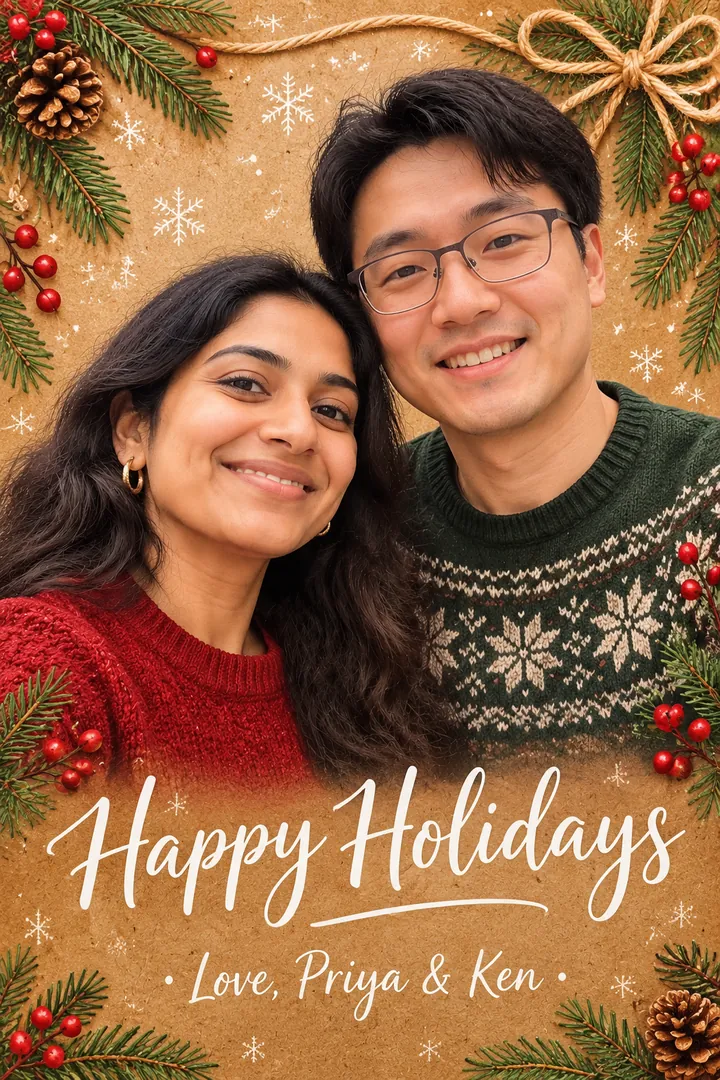
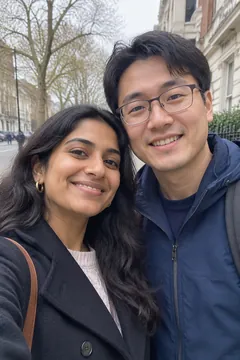 Before
Examples
BeforeBeforeExamples were made with this site from sample photos of AI-generated people, not customers. Results vary with the photo you upload.
How it works
- Choose “Christmas card” and a design: classic red & gold, modern minimal, rustic kraft or snowy blue.
- Upload your photo and type the greeting exactly as you want it printed.
- Create, download, and print at home, at a photo kiosk or with any online printer.
Tips for the best result
- Keep the greeting short Up to about 8 words prints most cleanly — for example “Merry Christmas · Love, the Lees”.
- Check the spelling AI text is good but not perfect. Zoom in before printing; if a letter is off, make another version.
- Use HD to print HD gives a 1344×2016 image, enough for a crisp 4×6 or 5×7 card.
From photo to holiday card in one step
Most card sites make you choose a template, crop your photo, pick fonts and position text. Here the AI does the whole layout: it re-creates your family as a festive portrait, frames it in the design you choose and letters your greeting.
Download the image and print it wherever you like — at home, at a drugstore photo counter or with an online print service — or send it as a digital card by text and email.
Questions
Can I print the card?
Yes. Turn on HD for a 1344×2016 image (about 5×7 inches at 270 dpi) and print it anywhere. Standard images are great for sharing online.
Will my greeting be spelled correctly?
Usually, yes — the AI is told to print your greeting exactly. Always check before printing; if a letter is wrong, make another version.
Is it really free to try?
Yes. Your first photo is free without an account (it carries a small corner watermark). Sign up with your email and you can download it clean and get 2 more free photos. After that, packs start at $4.99 for 15 photos.
What happens to the photos I upload?
They are used only to create your picture. Uploads are deleted automatically within 48 hours and your results after 14 days, so download the ones you love. We never use your photos to train AI models and never post them anywhere.
How long does it take?
Most photos are ready in one to two minutes. During the busiest days before Christmas it can take a little longer; you can leave the page open and keep browsing.
More Christmas photo styles
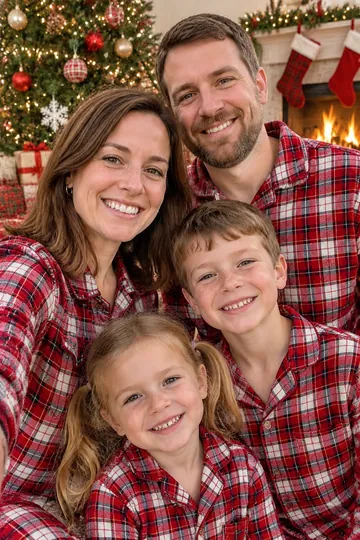 Family portraitMatching pajamas, cozy sweaters, snowy forest
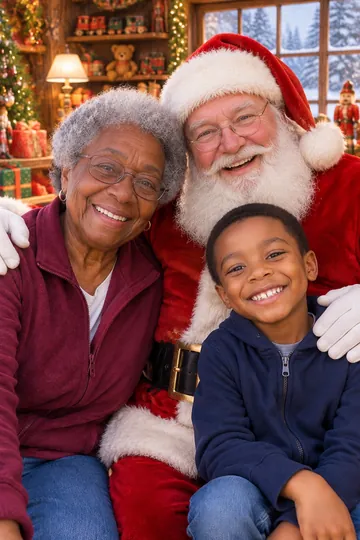 Photo with SantaVisit Santa without the mall line
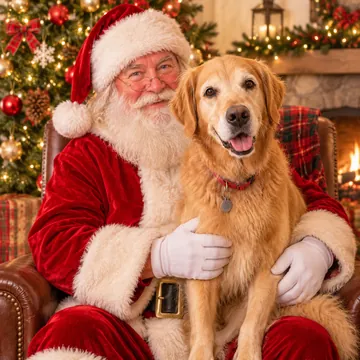 Pet portraitDogs and cats in Santa hats and sweaters
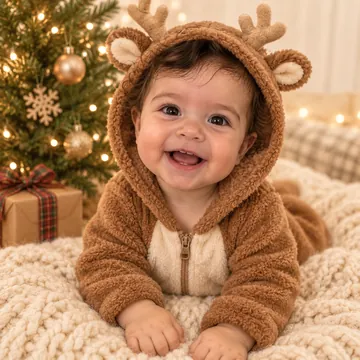 Baby's first ChristmasSanta suits, reindeer onesies, gift boxes
 Santa in my houseCatch Santa in your own living room
 Couple photoFireside cocoa, Christmas markets, mistletoe